Switching from Kindle to a Boox Go 7 e-ink reader
I like to read a lot. I especially like to read fiction to wind down before sleep, usually whilst lying down and with dim lighting, so I prefer the ease and ergonomics of ebooks over paper books. Kindle ebook readers have served me pretty well over the years, but I’ve grown to resent being locked into the Amazon ecosystem and don’t want to continue buying books in it.
An e-reader I can use for library books
So after some research I landed on the Boox Go 7 Monochrome, an Android based e-ink tablet that has a built-in reading app and also allows me to install apps from the Google Play store, including other reading apps, Kindle and Kobo apps, as well as ones that allow me to read library books. The latter is what sold it for me - in Australia the Libby app can be used only with Kobo readers, not Kindle, and neither support the other app my library uses, BorrowBox. Having the flexibility to read books from any of these sources, plus the ability to side-load books and other files, has been a big factor in the number of Books I've read in 2025.
While it’s nice to not be tied to one ecosystem, using an Android e-ink device is not without its drawbacks. I can technically manage my library loans through the Libby and BorrowBox apps, but it’s much easier to do on my phone. And although you can install any app on the Boox, they’re mostly not created with e-ink in mind. It’s great for reading books but not much else (still more than my Kindle though!).
Getting it set up
It also exposes far more options than you get with a more integrated e-reader, I guess to allow you to adjust for the wide variety of apps, most of which aren’t designed for e-ink displays. As a Kindle user I didn't need to know anything about the underlying technology, but with a Boox device I needed to configure the display mode, refresh rate, resolution and contrast for each individual app. This is in addition to the confusing array of options and settings which lack any sensible defaults or information architecture that I can determine, and required days of messing with to get the way I like it.
Now that I have things set up (with the help of Reddit threads) I don’t have to think about it anymore, but the process nearly broke me. This is my first ever Android device, but I do work in tech, have set up and used so many different devices at this point, and actually do generally like fiddling with settings. If I struggled, how is a less technical person going to feel? This is the main reason why I wouldn’t recommend it to friends and family, unless I’m certain that I’m not going to be stuck as tech support for the foreseeable future. They have made some updates to improve this, like a “Recommended” e-ink option depending on the app that does a decent job, so maybe this will improve.
The physical device
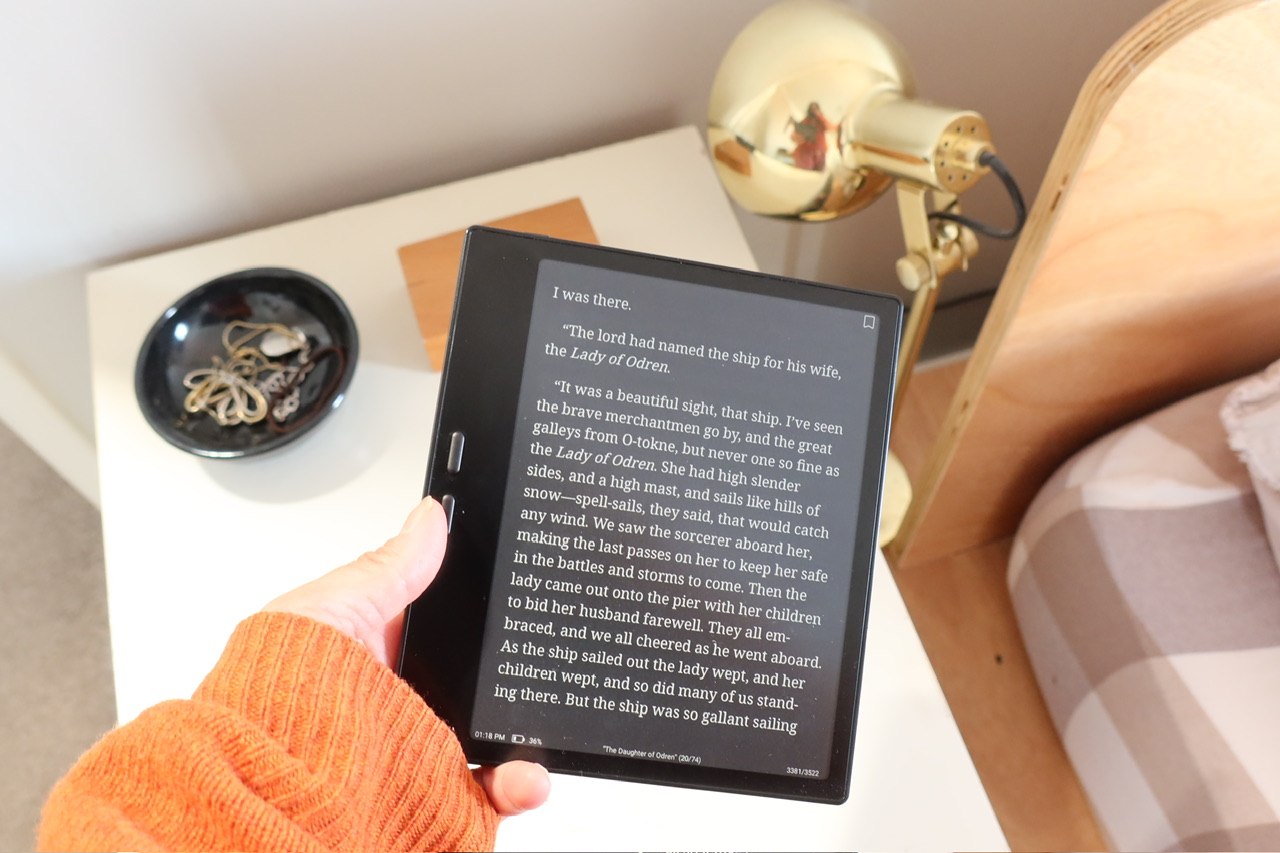
The physical device is lightweight and the perfect size for me for reading novels, and just a touch small for reading manga. I didn’t realise until getting this how delightful it is to turn pages with physical buttons rather than tapping a screen - not quite the tactility of real paper, but enough to shift my mental mode from tapping, swiping and scrolling on my other digital devices.
I chose the black because I like to read in dark mode and it’s nice to have the bezels visually blend in, allowing me to adjust the view to have the smallest possible margins (helpful as I read with quite large text). Dark mode also means I’m less distracted by the colour temperature and not completely even way the screen is lit, an issue I’ve seen mentioned with the way the Boox Go 7 is constructed, although even in light mode it’s not terribly noticeable.
I wish the edges were a little more rounded to make it more ergonomic to hold in one hand. The battery life is not as ridiculously good as a Kindle, but I get about 1-2 weeks out of the Boox which is infrequent enough to not bother me. I got the Onyx magnetic case to go with it, something I didn’t bother with with my Kindle as it felt more indestructible, but it doesn’t add much weight or bulk.
The reading experience
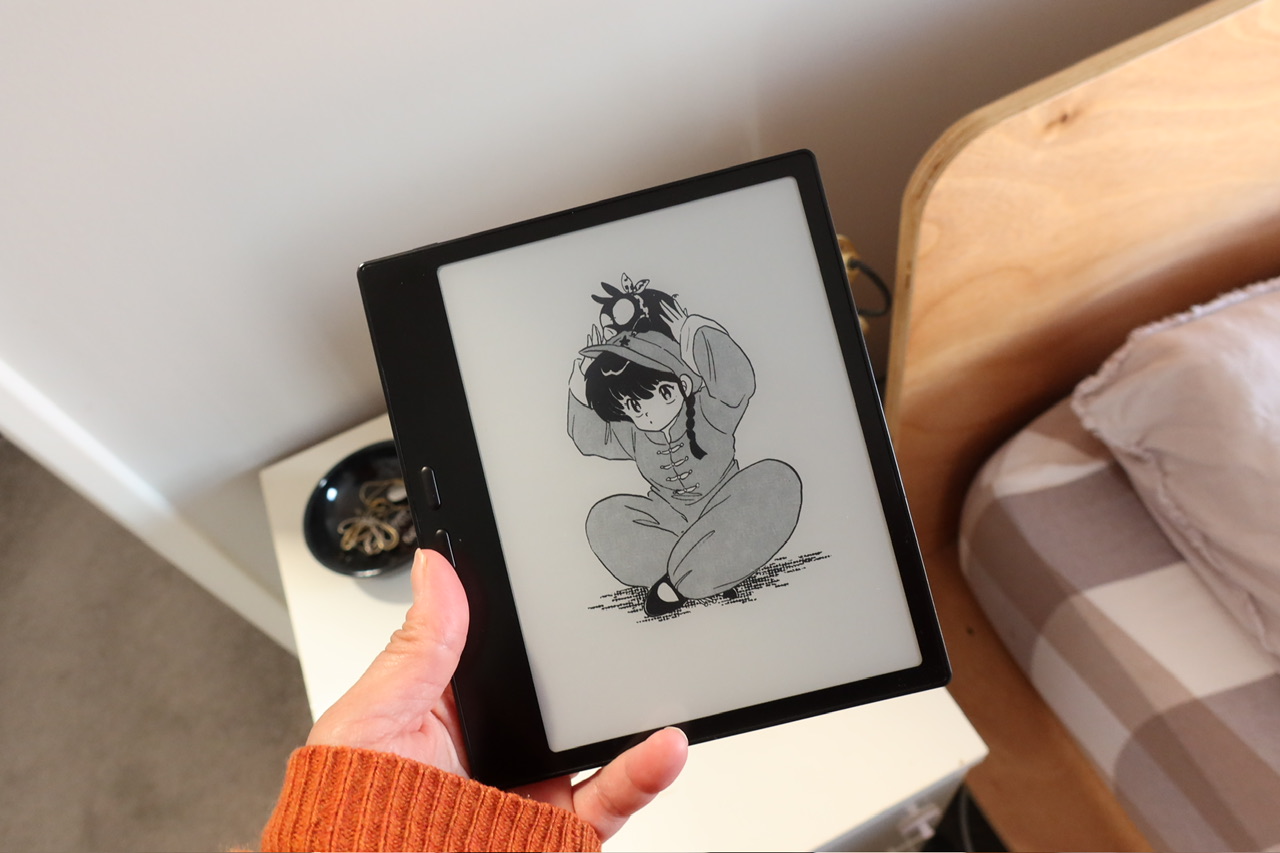
I’ve side-loaded all my purchased e-books, liberated of any DRM (quite the process), and use the default reading app for Onyx, called NeoReader. I did try some more powerful and customisable reading apps like KOReader, but they felt like too much work - possibly because I’d already spent so much time messing with the Boox settings and just wanted to actually start using it. NeoReader does a decent job for my needs, which don’t really require much in the way of highlighting and notes (although it’s also not bad for these things). Unsurprisingly it also works with the least amount of messing around with settings, even for dark themes which I’ve found trickier to configure. And although NeoReader isn’t specifically designed for reading comics, the manga I’ve tried reading on it looks great and handles the reversed reading direction well. It was delightful to be able to screenshot a title page, crop it and set it to my lock screen, something that isn’t possible on my Kindle.
Overall I'm really happy with my Boox, and even if moving away from the Kindle ecosystem wasn't enough, the number of library books I've already read with it is making it worth me purchasing the new device. The complex setup is now behind me, and updates to the firmware do seem to be improving the overall experience.